Exporting metadata
When you export media versions using the
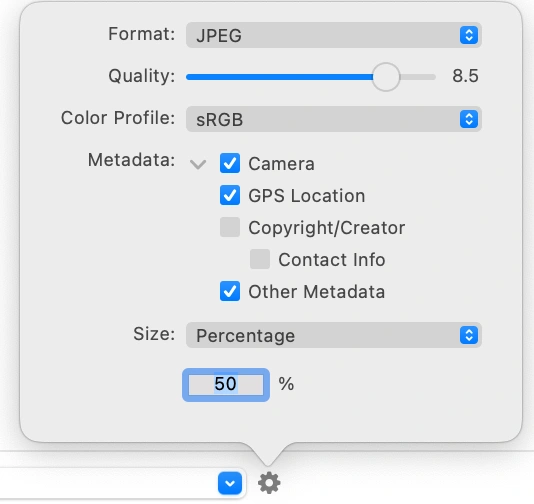
When you select Other Metadata, Musebox will include ratings, keywords, and IPTC fields in the exported file.
Because multiple media versions can have unique metadata for a single file, such as different ratings, Musebox doesn’t support saving metadata to the original files or into XMP sidecars. However, you can use scripts to access your library’s metadata for use with other apps.