Keyboard shortcuts for keywords
Use the
Click a keyword button to add the keyword to the selected media versions. Hold down the
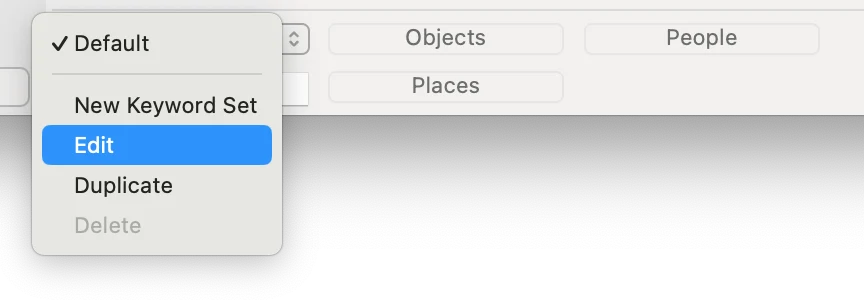
You can modify the buttons on the keywords bar and make additional keyword sets using the popup button menu. Items in the keywords bar will be available in the
Keyword hot keys
Using the keyboard, you can add keywords from the bar by holding the