Selecting items to import
After selecting a source in the Import window’s sidebar, you need to choose which items to import by marking their checkboxes. You can check many items at once in the following ways:
-
Use the window’s toolbar buttons to check all items
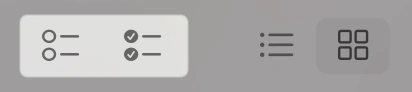
The Uncheck All and Check All toolbar buttons -
Select thumbnail items by dragging the mouse, then click any of their checkboxes to mark them all at once
-
Select items with the mouse,

Two of three items selected -
Click a checkbox of a selected item

Clicking one checkbox will also change others in the same selection
-