Adding and removing
Adding keywords
You can add keywords by:
-
Using the
Metadata > Jot Keyword menu command (⌘J ) to type a keyword -
Clicking a keyword on the keywords bar (
View > Keyword Buttons ), or using its corresponding hot key from theMetadata > Add Keyword menu -
Typing a keyword in the Keywords field of the Info inspector
-
Dragging and dropping a keyword from the Keywords panel (
Window > Keywords menu item)
Copying keywords to other items
Select the item that has the keywords you want to copy, then use the
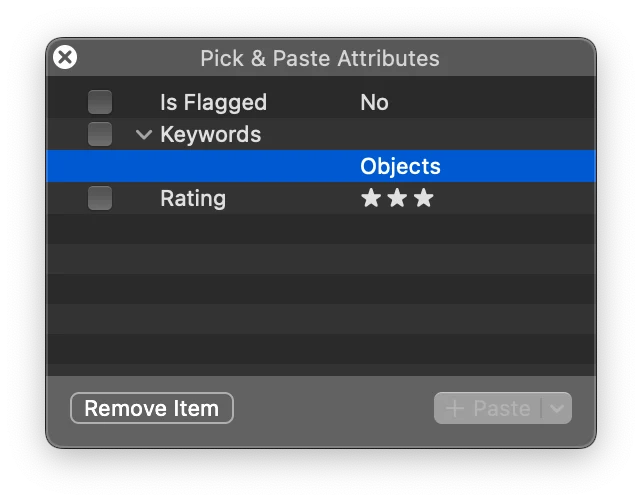
Removing keywords
Remove keywords by:
-
Hold down the
Shift key and click the keyword on the keywords bar, or use its corresponding hot key from theMetadata > Remove Keyword menu -
Deleting the keyword in the Info inspector
-
Use the
Metadata > Remove Keyword > Remove All Keywords menu item